Approval requests (ringi)
Request, decide and record purchases, contracts and travel
Submit a request with type, details, amount and attachments such as quotes, and approvers are emailed. Decisions are recorded with notes and easy to find later.
What it does
Type, details, optional amount, attachments and one or more approvers.
Decide from the email link without signing in.
Who decided what and when, with notes.
How it flows
- 1StaffSubmit
Save a draft first if you like.
- 2AutomaticApprovers notified
By email, menu count and 🔔.
- 3OfficeDecide
With a note; the requester is emailed.
On phones & in the app
Submit requests from the work apps in the app. Approvers read the details and attachments on a phone and approve or decline.
- 📱CLT Members iPhone appOne app for members, staff and managers.
- 🌐Phone browserNo install needed — Android too.
- 💻ComputerThe same data on a big screen.
See the screens
Admin (office)
Submit a request
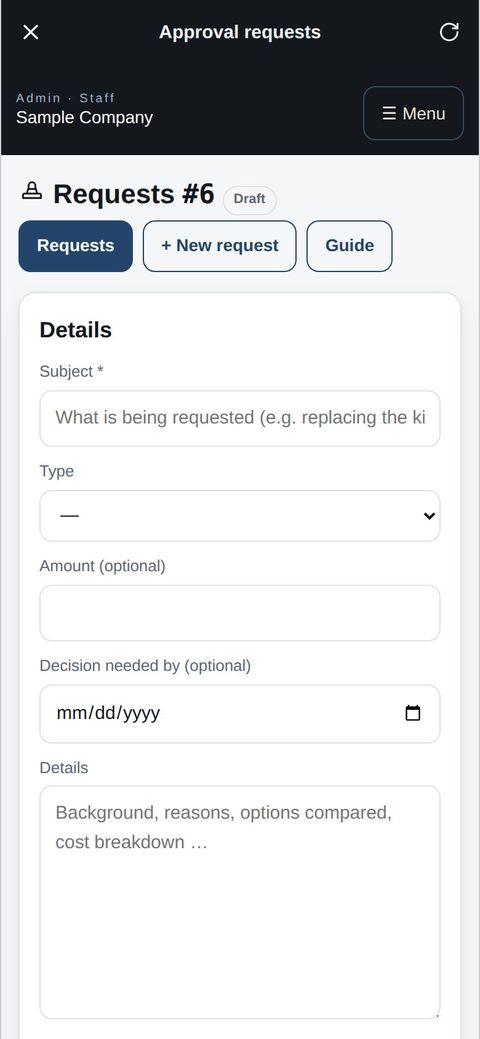
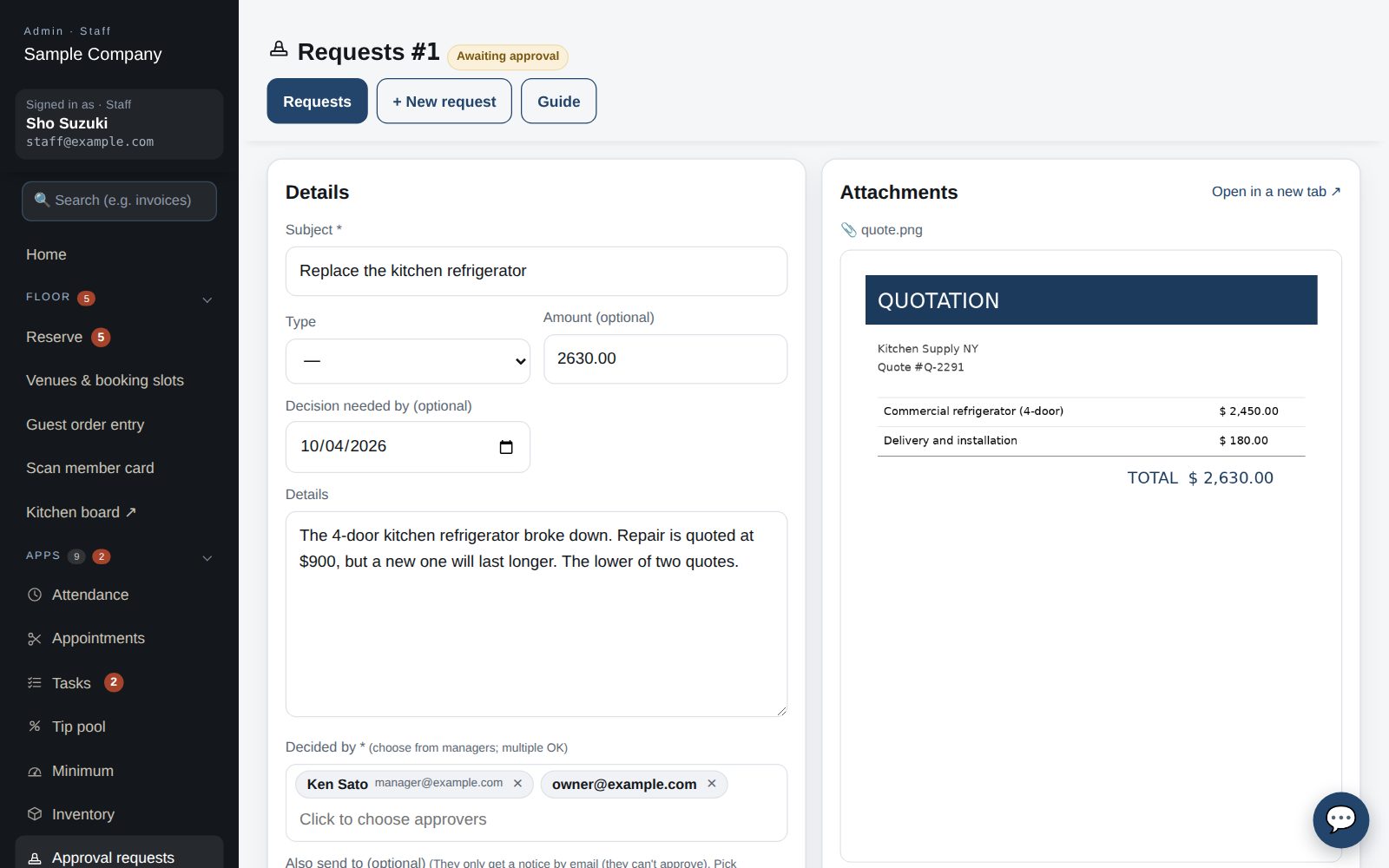
- Under Apps → Approval requests → New request, enter the title, type (purchase, contract, travel …), details, amount (if any), an optional attachment (a quote, say) and approvers (managers and up, multiple OK).
- “Submit” makes it pending and emails the approvers (with a no-sign-in review link valid for 7 days). Use “Save as draft” to finish later.
- You can edit your own request until it is decided. Click a number (#) in the list to open it.
Approve or reject
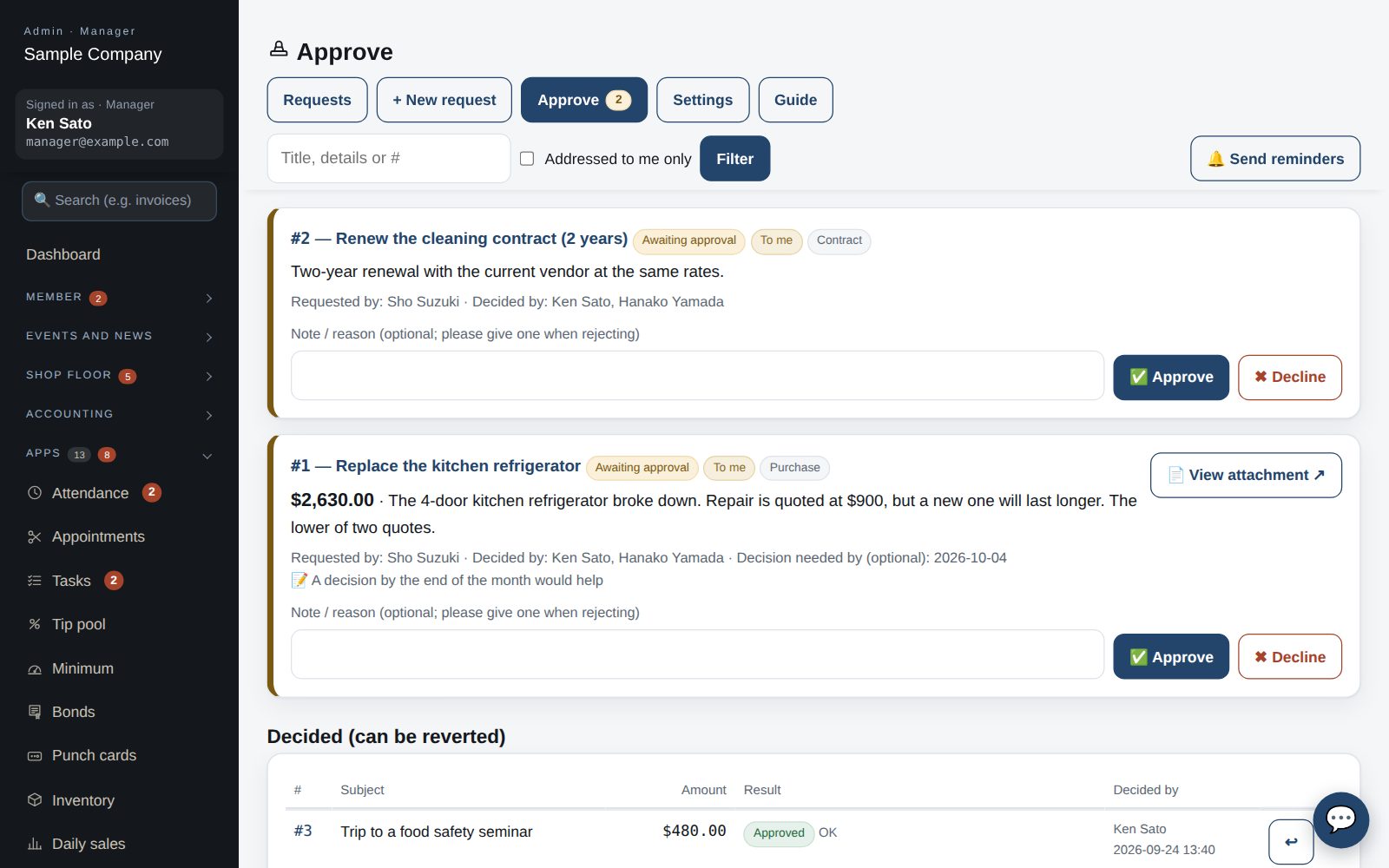
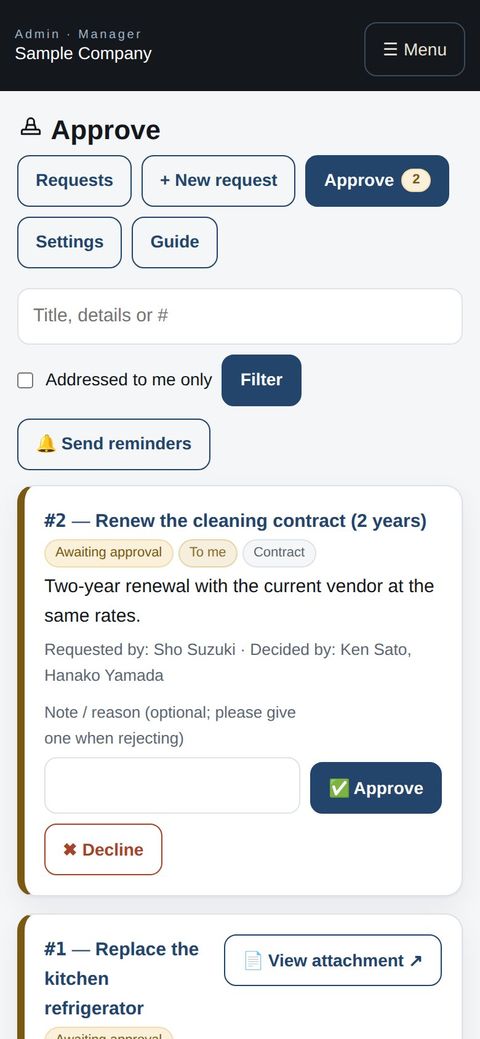
- Pending requests appear under “Approvals”. Check the details and attachment, add a note (a reason when rejecting) and press Approve / Reject. The submitter is emailed.
- Only the listed approvers can decide; owners may act on anyone's behalf. Approvers can also decide from the email link. Use “Decided” → ↩ to revert a mistake.
- Decisions are logged and the list can be filtered by Approved / Rejected.
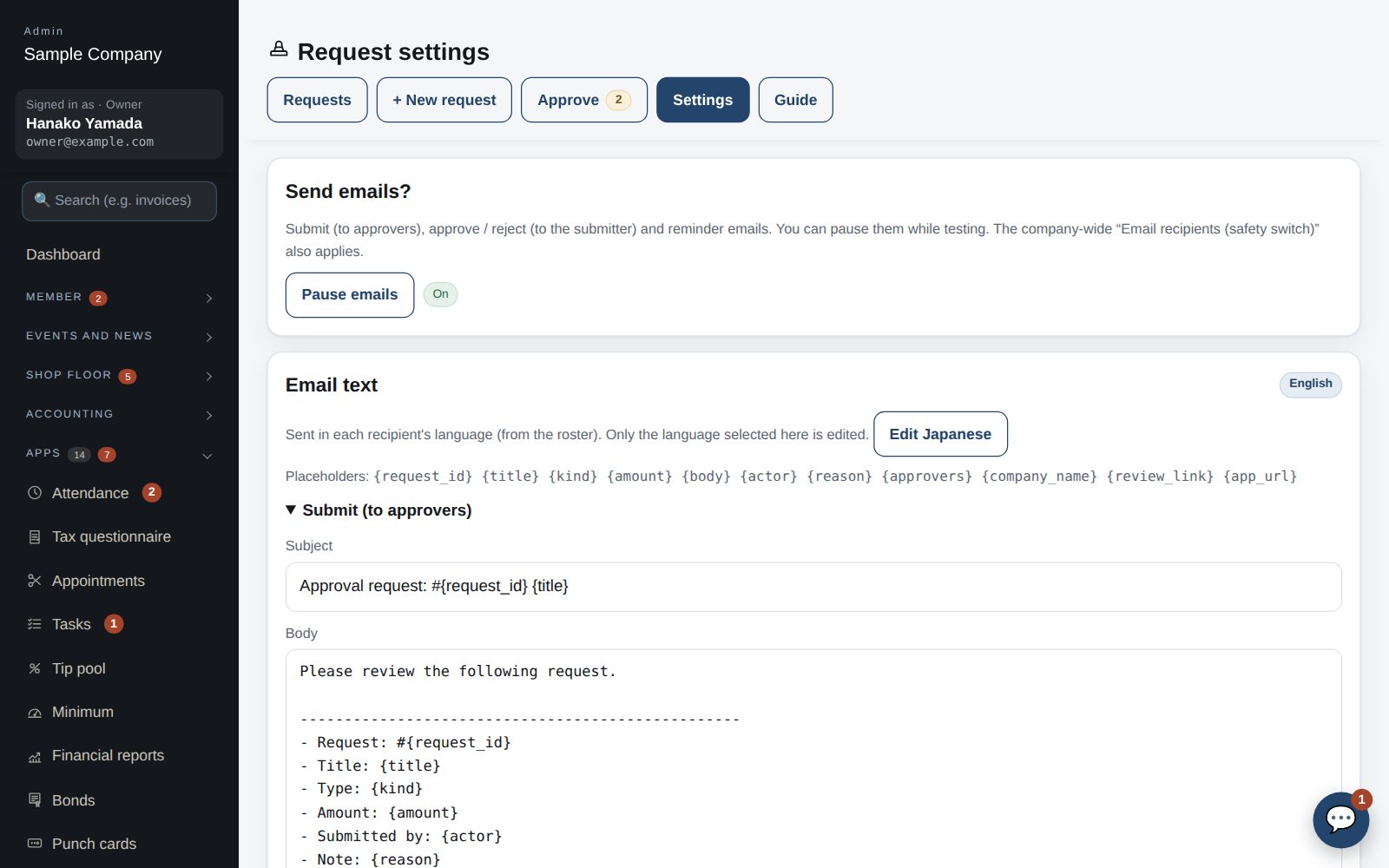
Settings
- “Pause emails” stops submit / approve / reject / reminder emails for this company only. The company-wide “Email recipients (safety switch)” also applies.
- Email templates are edited per language and sent in each recipient's language.
- Danger zone (owner only): deletes every request, template and attachment. Type DELETE to run.
Start with just the features you need. If nothing fits the way you work, we'll build it for you — free.
QuickBooks and ProConnect are trademarks of Intuit Inc., Stripe of Stripe, Inc. and Square of Block, Inc. This service is not provided or endorsed by these companies.