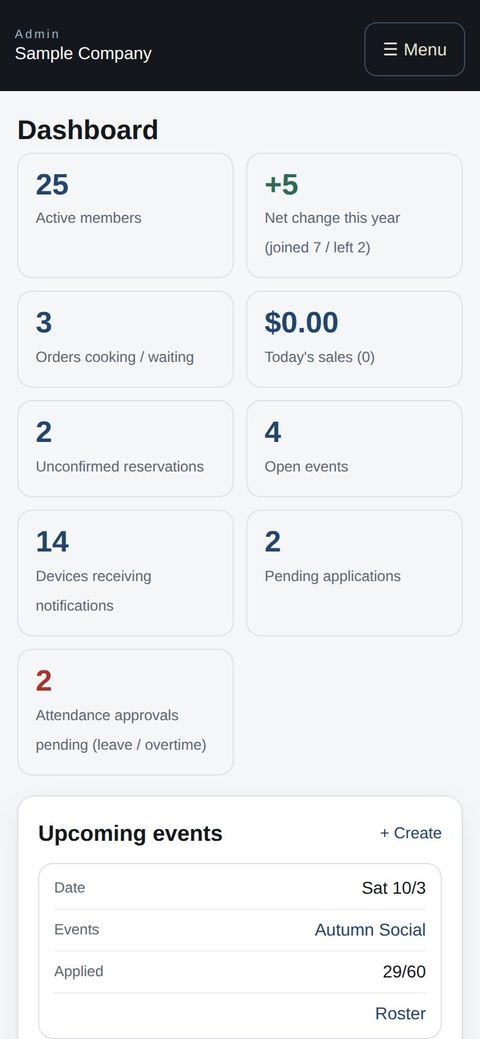
On a phone or in the app —
the same, wherever you are
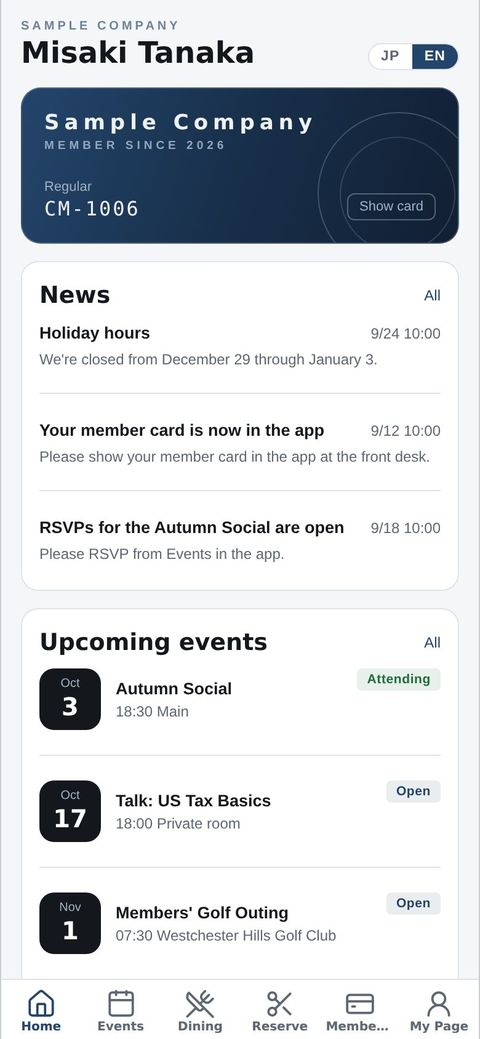
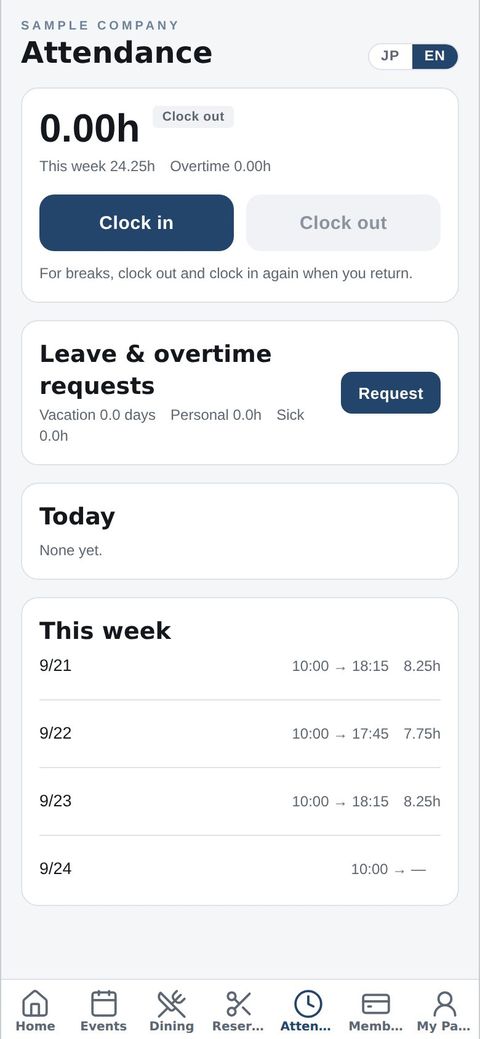
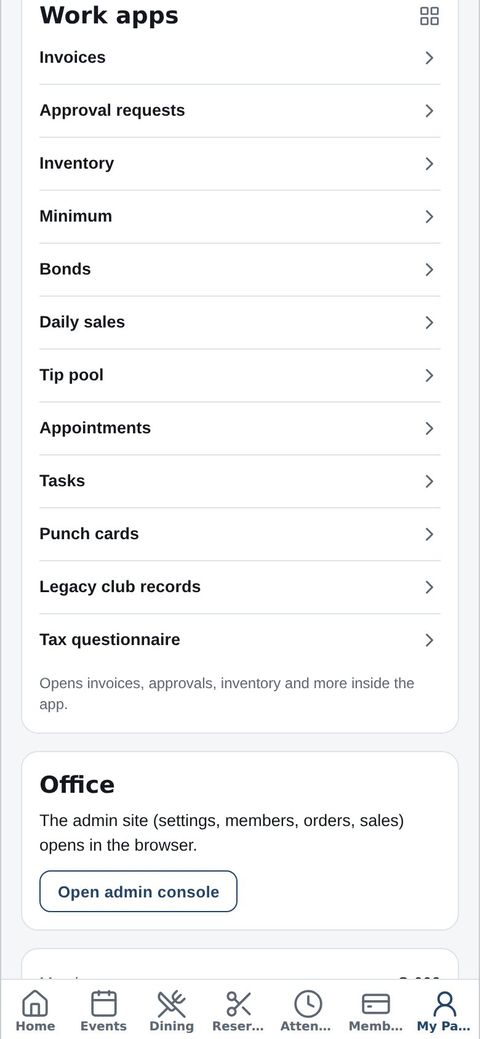
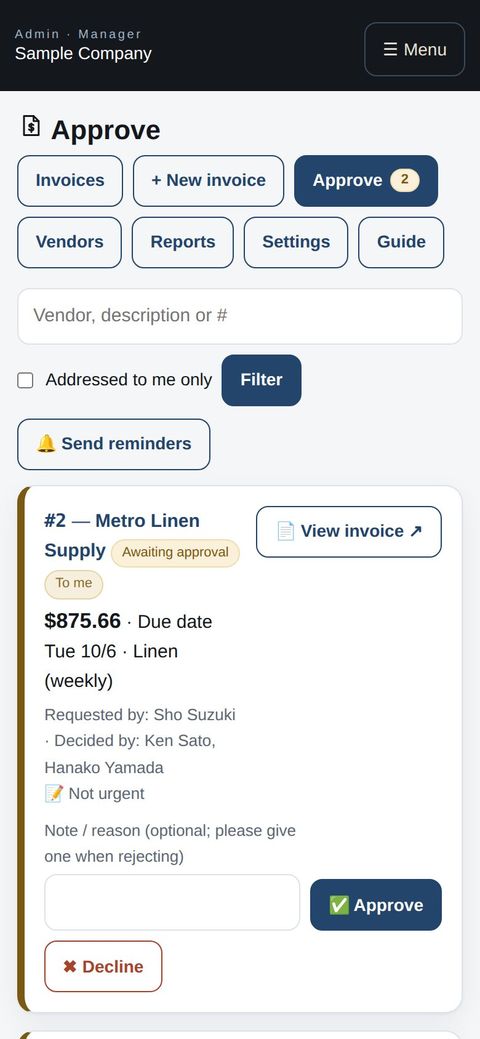
Members and customers use the CLT Members iPhone app. Staff and managers clock in with the same app and open work apps such as invoices, approval requests and inventory. No app? Sign in from any phone browser for the same screens and the same data as on a computer.
📱
The CLT Members iPhone app
Member card, events, bookings, orders and news. Staff also get clock-in and work apps, plus push notifications.
🌐
Any phone browser
Android users and anyone without the app just sign in. Every screen fits the phone automatically.
💻
Computers
Use a big screen for bulk work like roster imports and settings. It's all the same data.
QuickBooks and ProConnect are trademarks of Intuit Inc., Stripe of Stripe, Inc. and Square of Block, Inc. This service is not provided or endorsed by these companies.